App Store screenshot studio
Screenshots that
sell your app.
Design App Store screenshots that stop the scroll. Real frames, converting layouts, export-ready PNGs. Free, in your browser.
No account needed to try it.
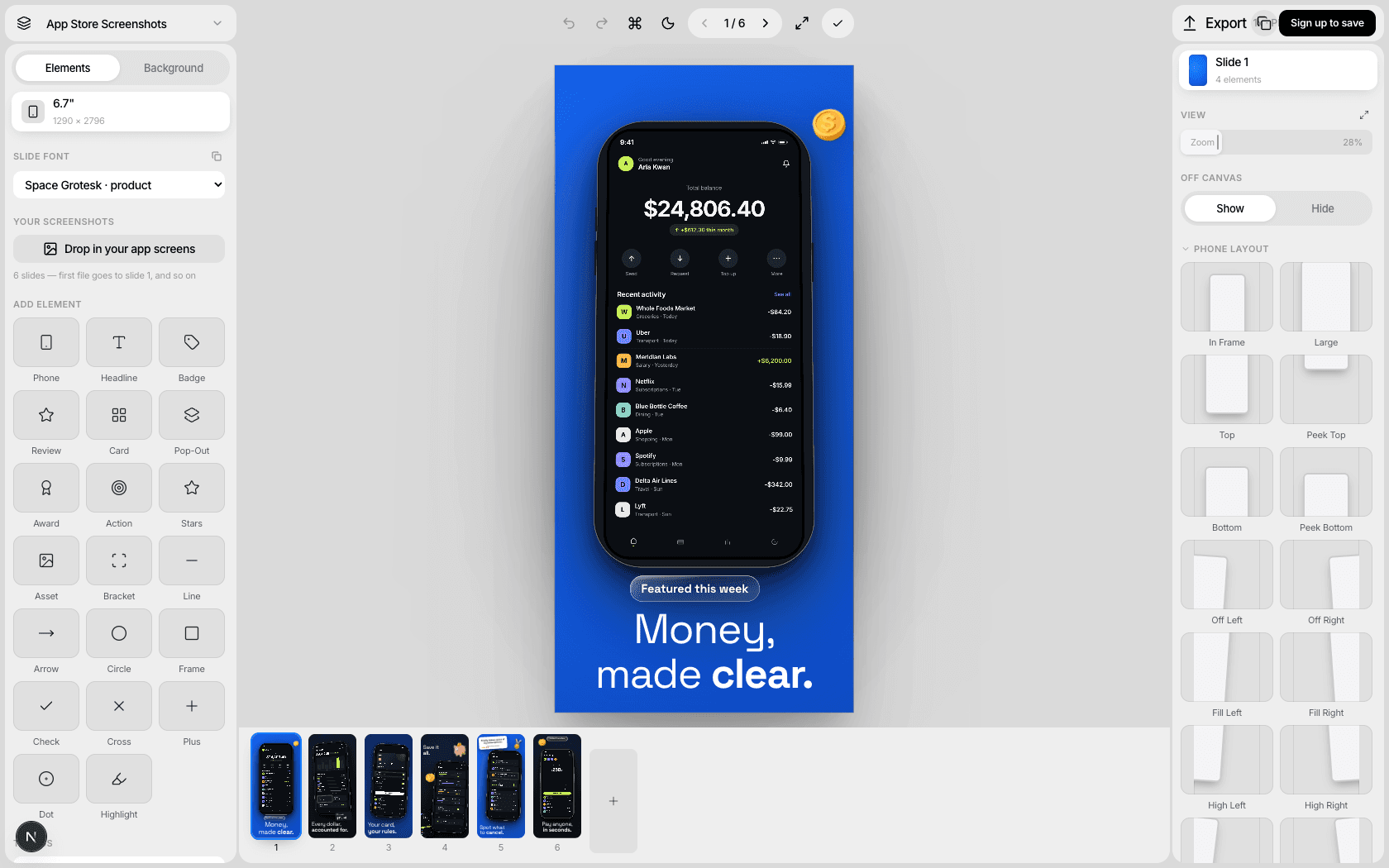
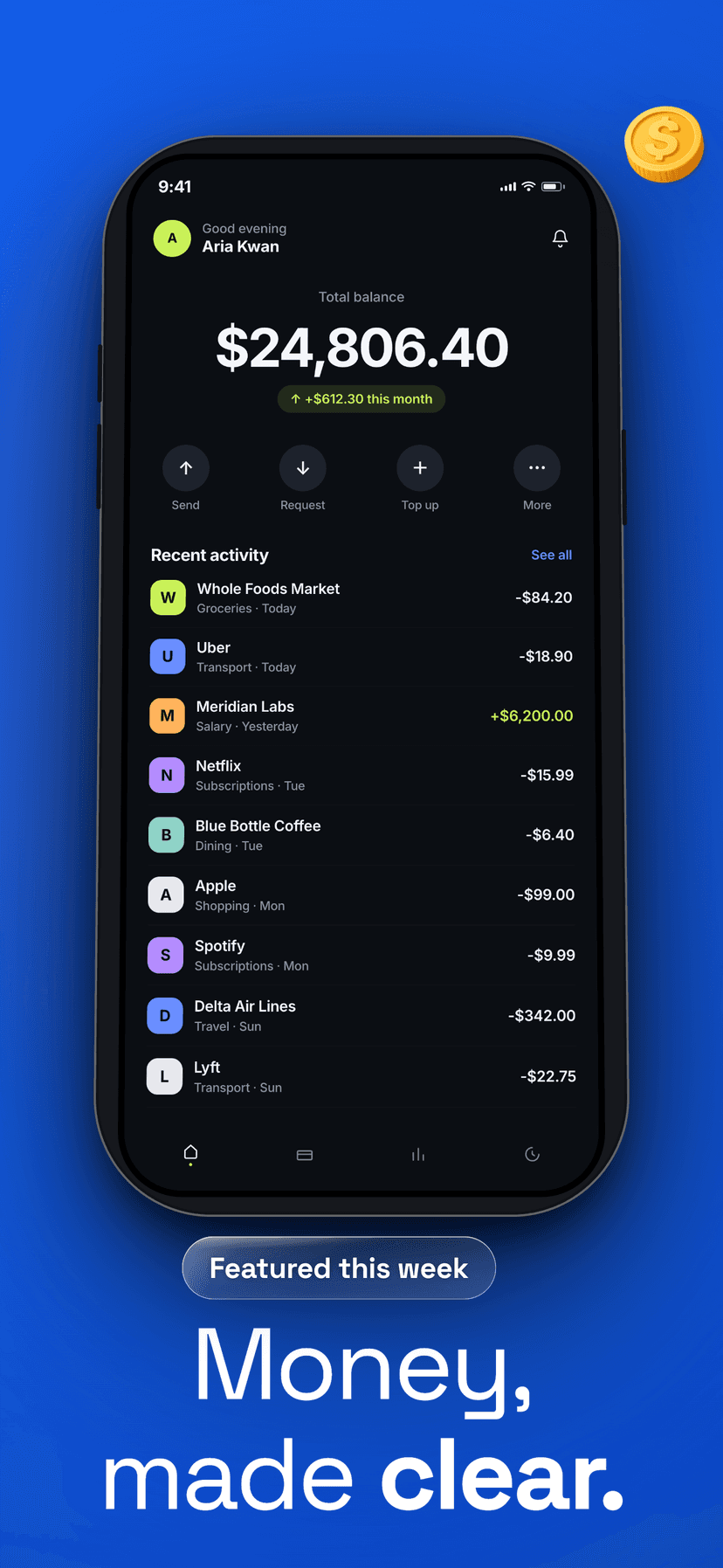
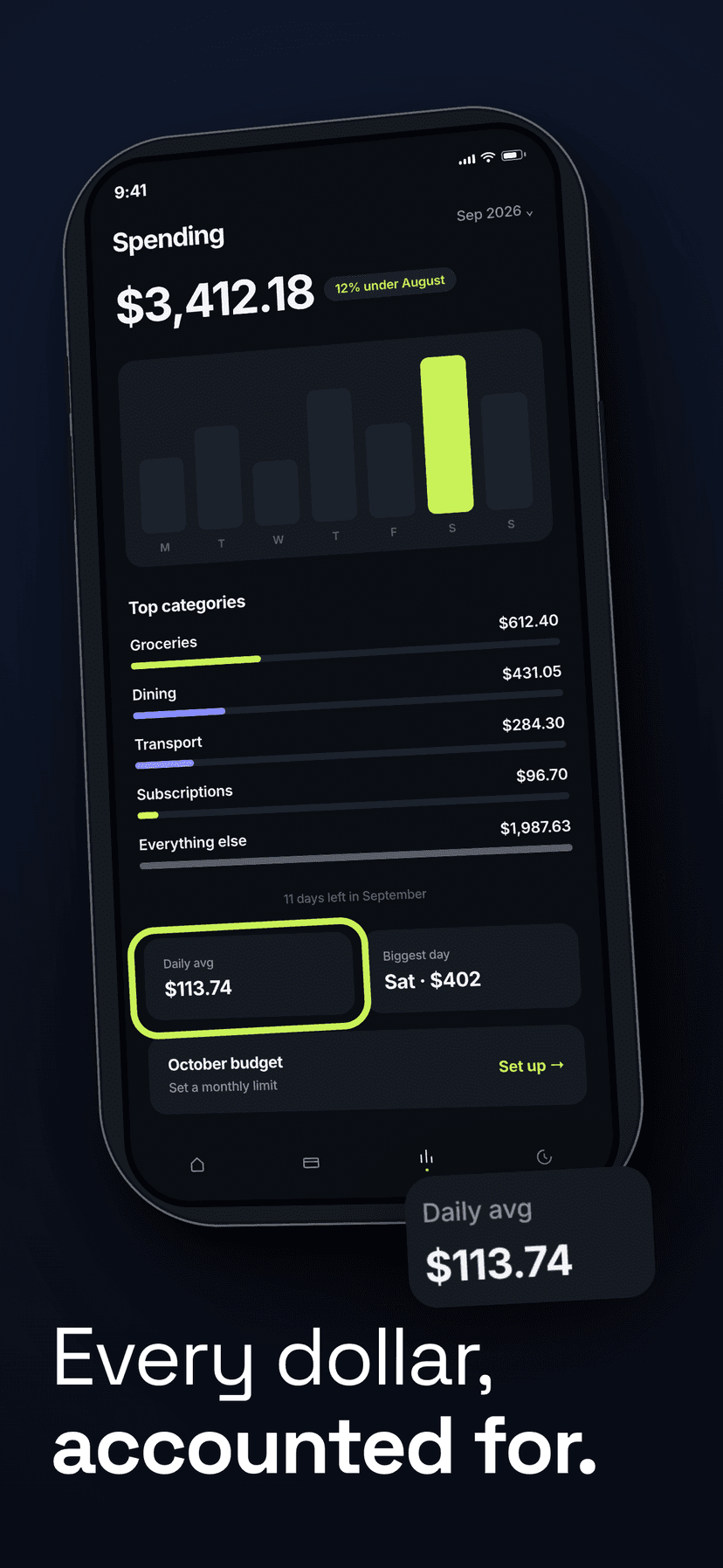
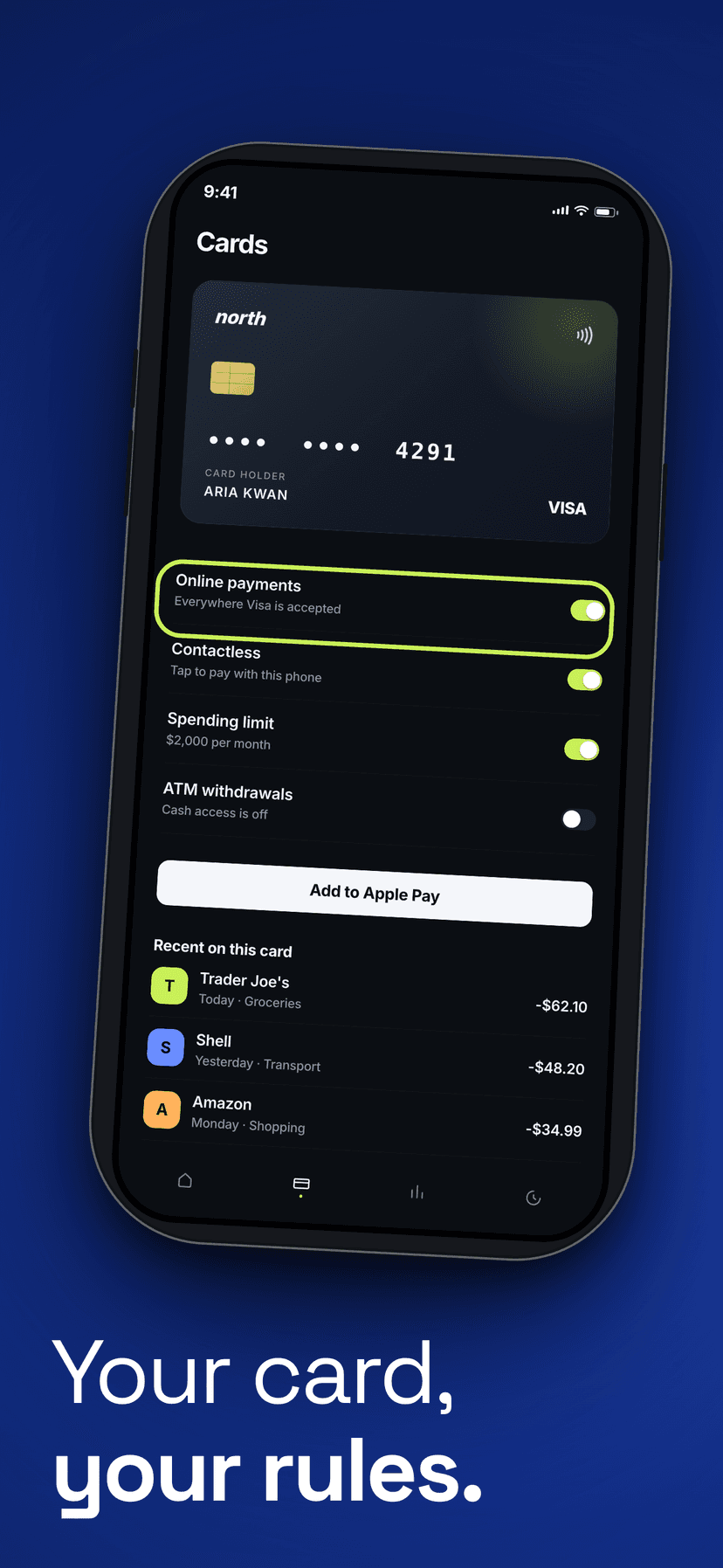
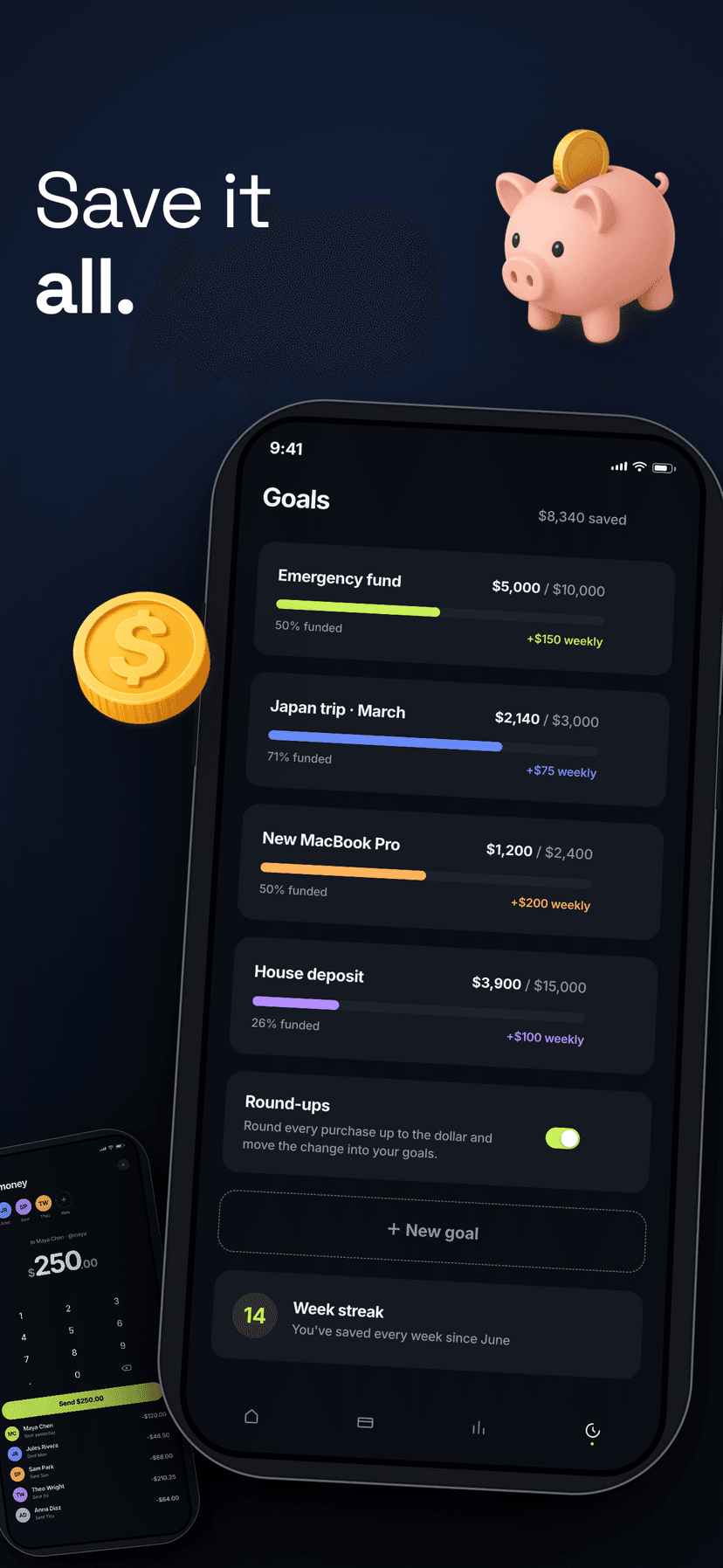
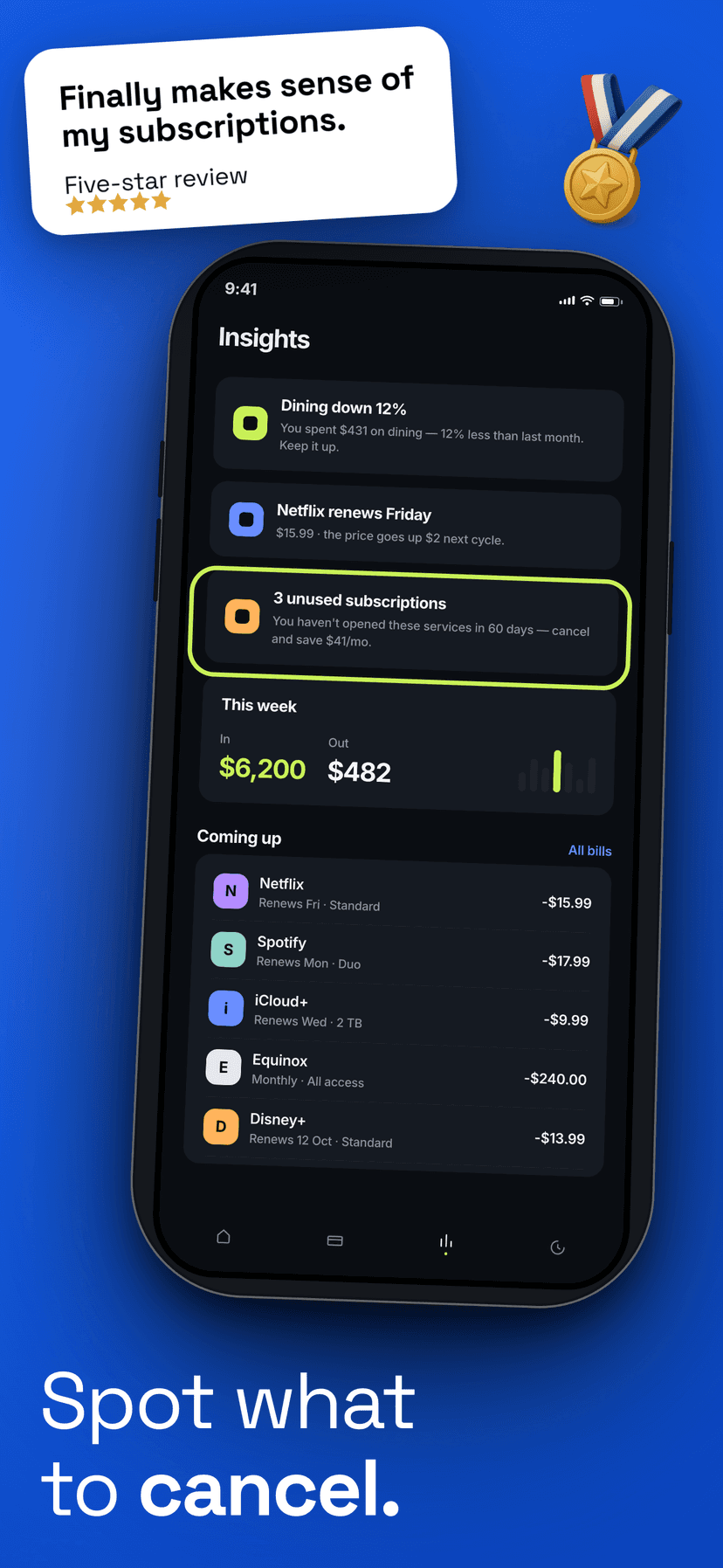
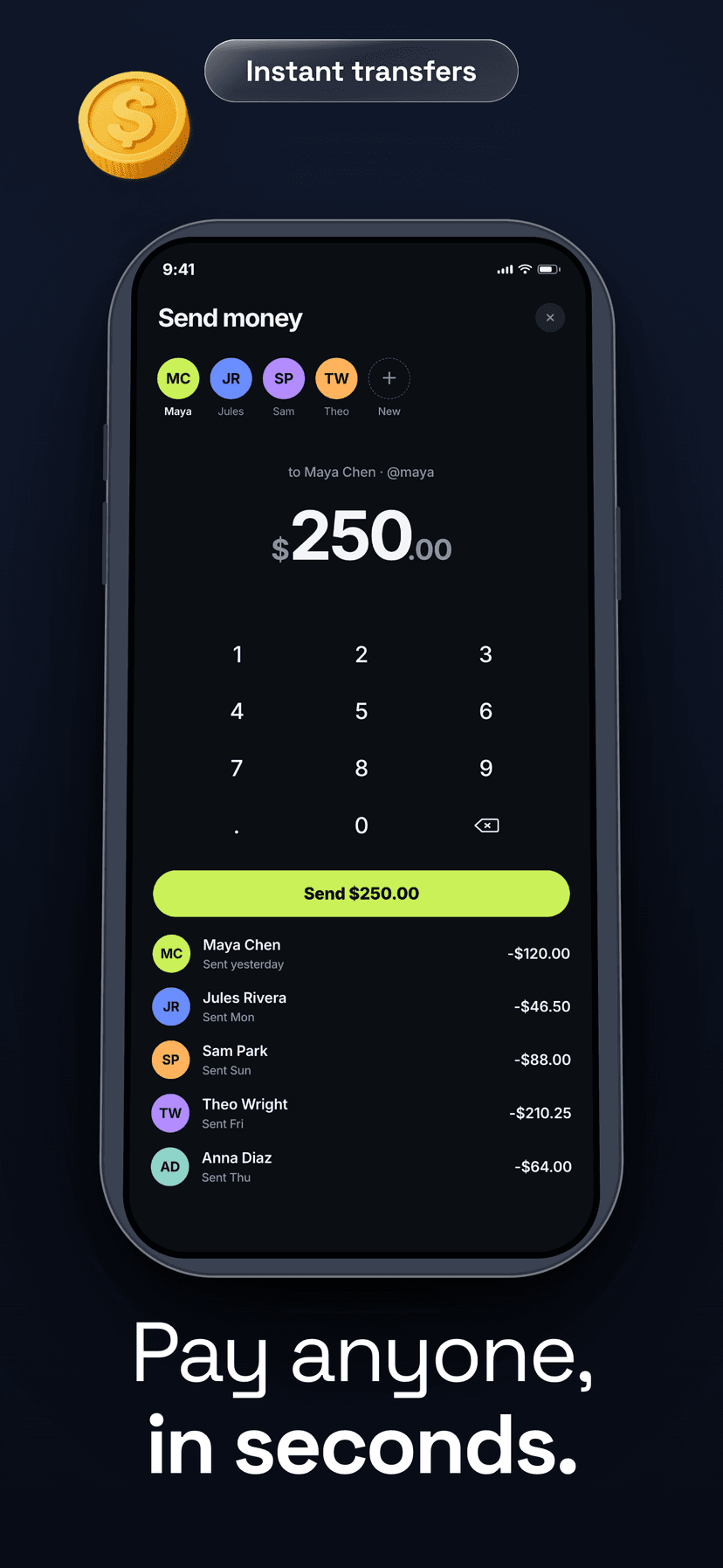
You spent months on the app. The listing gets three seconds.
Nobody reads the description. Nobody waits for the preview video. A thumb hovers, one screenshot loads, and the decision is over.
Most developers upload raw screens and hope. Raw screens show what an app does. They never say why it matters, and they never ask for the install.
The apps that win the glance all make the same move. Their screenshots are a pitch, not a preview.
A pitch used to cost real money.
A freelance designer
Two rounds of feedback, a week of waiting, and files you still have to resize yourself.
A Figma template pack
Cheap up front, then a weekend lost inside someone else's layers.
Raw screenshots
Free to upload. Costly in every install they quietly lose.
makeapps.world is the fourth option. Free to start, done in minutes, built for exactly this job.
Three slides do the heavy lifting.
Every winning set follows the same shape. The editor gives you the pieces for each one.
Everything you need
A full studio,
not a template toy.
Real device frames
True iPhone bezels, Dynamic Island, tilt and shadow controls. The frame sells the app inside it.
Headlines that convert
Markdown type, curated font pairs, badge and rating cards. Sized the way winning sets are.
A real canvas
Every element on every slide is editable. Drag it, layer it, rotate it, restyle it.
Annotation marks
Arrows, circles, brackets and checks. Point at the one thing that matters.
AI backgrounds
Describe a mood, get an on-brand scene behind the phone. A Pro feature.
Cloud projects
Your sets sync to your account. Start at your desk, finish on the couch.
Export-ready PNGs
1290×2796 and 1179×2556, zipped or per-slide, straight into App Store Connect.
How it works
Three steps to store-ready.
Drop in your screens
Upload raw screenshots from the simulator or a device.
Design the set
Pick a frame, write the headlines, style the backgrounds.
Export and ship
Download store-ready PNGs and upload to App Store Connect.
Pricing
Free to design.
Pro to ship at scale.
The free tier is a real tool, not a demo. Pro is for the day your release schedule needs unlimited everything.
Free
For trying ideas and shipping your first app.
$0 forever
- 3 cloud projects
- 10 exports per month
- All device frames and layout tools
- Templates and icon library
- AI backgrounds
- Unlimited projects and exports
Pro
For indie devs and teams shipping every week.
$8 /monthor $60/year
- Unlimited projects
- Unlimited exports
- AI background generation
- Everything in Free
- Priority feature requests
Payments by Lemon Squeezy. Cancel anytime, keep Pro until the period ends. Full pricing details
Fair questions.
Do I need an account to try it?+
No. Open the editor and start designing; your draft stays on this device. Create a free account when you want cloud saves.
What counts as an export?+
Each PNG or ZIP you download. The free counter resets on the 1st of each month.
Can I cancel Pro anytime?+
Yes, through Lemon Squeezy. You keep Pro until the end of the paid period.
What are AI backgrounds?+
One-prompt background generation: gradients, textures and scenes tuned for App Store slides.
Three seconds per visitor.
That’s the whole game.
Free to start. No credit card. Your first set can ship today.
Start designing free